
How do I perform X and Y limit testing on the Cubicon Single Plus?
To perform X and Y limit testing on the Cubicon Single Plus, please follow the instructions below:
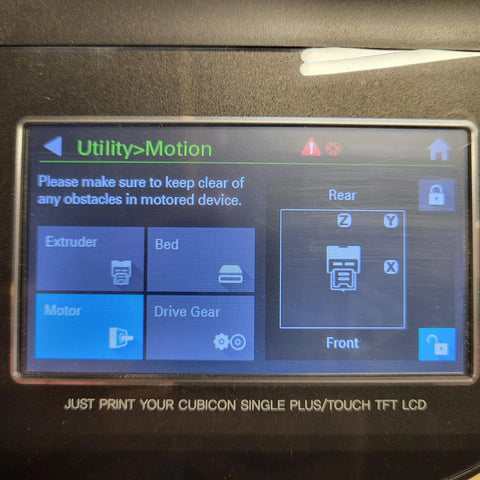
In "Utilities", go to "Motion" and ensure that the unlock button under the "Motor" category is blue. You should be able to freely move around the extruder head.
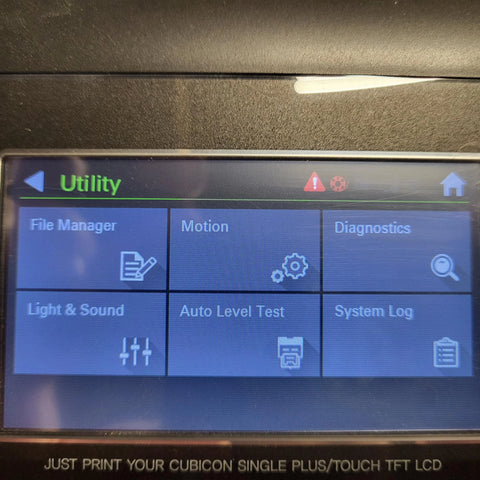
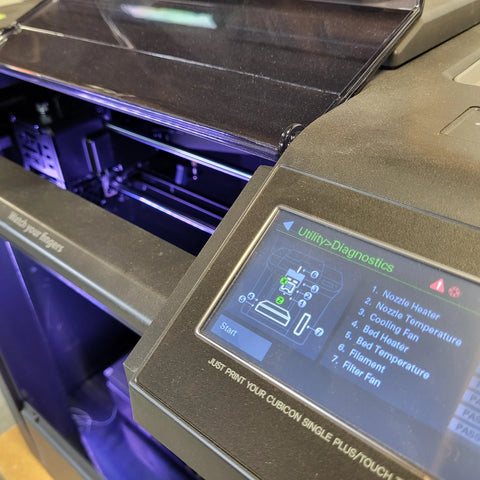
Navigate out of this screen and go to "Diagnostics". This screen will confirm whether the limits are functioning correctly.
The "X" and "Y" circles should be greyed out if you have the extruder head in the middle.
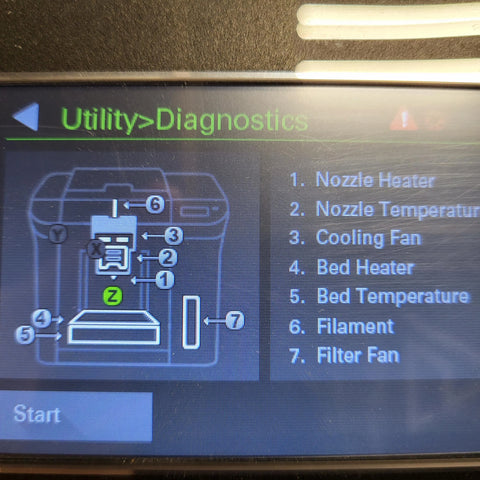
If you bring the extruder head all the way forward, you should see the "Y" light up.
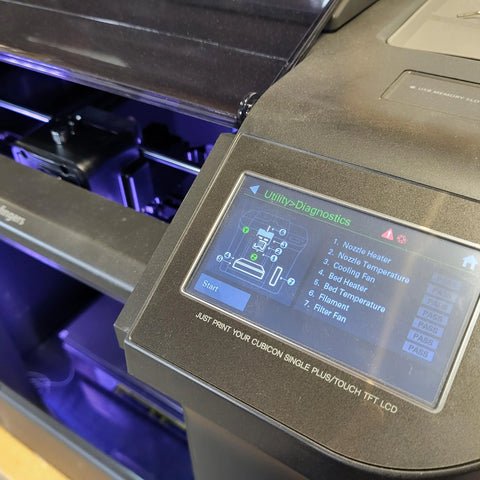
If you move the extruder head all the way to the left, you should see the "X" light up.
Last updated June 12, 2025